
Your phone used to be lightning fast. Now it takes five seconds to open the camera. Sound familiar? Whether it's an iPhone, iPad, Samsung, or Xiaomi — here's why devices slow down and what actually works to speed them up.
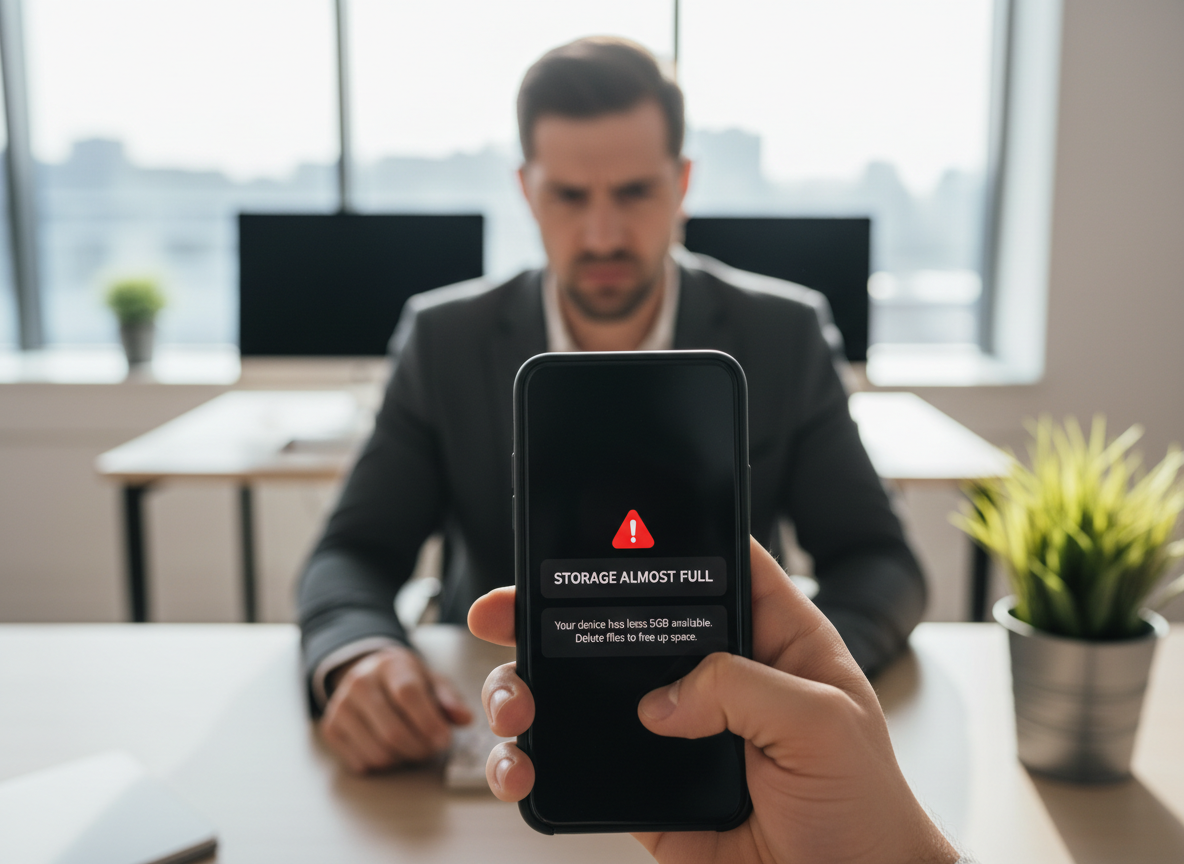
1. Storage Is Almost Full
This is the #1 cause of slowness. When your storage is over 90% full, your device struggles to manage temporary files, cache, and system processes. Check your storage: on iPhone go to Settings → General → iPhone Storage. On Android, Settings → Storage. Delete old photos, unused apps, and clear app caches. Moving photos to cloud storage (iCloud, Google Photos) frees up space instantly.
2. Too Many Background Apps
Every app running in the background consumes RAM and processor power. Social media apps are the worst offenders — Facebook, Instagram, TikTok, and Snapchat constantly refresh content in the background. Force-close apps you're not using.
3. Outdated Software
Software updates include performance optimisations and bug fixes. Running an old version of iOS or Android means you're missing out. However, very old devices (5+ years) may actually run slower on the latest OS because the hardware can't keep up. If your device is 3 years old or newer, always update. If it's older, research before updating.
4. Battery Health Is Low
Apple confirmed that iPhones with degraded batteries are intentionally slowed down to prevent unexpected shutdowns. If your iPhone's battery health is below 80%, your phone is running at reduced performance. A battery replacement restores full speed. Samsung and Xiaomi don't officially throttle, but a weak battery still causes performance issues.
5. Hardware Wear
After years of use, internal components degrade. Flash storage slows down with thousands of read/write cycles. Thermal paste dries out (especially in laptops and tablets), causing the processor to throttle due to heat. In Malta's warm climate, thermal degradation happens faster than in cooler countries.
Quick Fix Checklist
- Free up storage (aim for at least 20% free)
- Restart your device (seriously, it helps)
- Update your OS and apps
- Close background apps
- Check battery health
- Reset settings (not data) as a last resort

Still Slow? Let CLINICA®IPHONE Malta Take a Look
If none of the quick fixes help, there's likely a hardware issue — and that's exactly what we specialise in. At CLINICA®IPHONE Malta, we run a full diagnostic on any device to pinpoint the exact cause of slowness.
Common fixes include battery replacement (which restores throttled performance on iPhones), thermal paste reapplication for overheating MacBooks, internal cleaning to remove dust buildup, and storage optimisation. Most repairs are done while you wait in 30-40 minutes.
We repair all brands — iPhone, iPad, Samsung, Xiaomi, MacBook, and more. Every repair comes with an international warranty valid across 120+ CLINICA®IPHONE locations in Europe. Whether you're a local or a tourist visiting Malta, you're covered.
Device Running Slow?
Bring it in for a diagnostic. We'll get your device back to full speed — most fixes done while you wait.